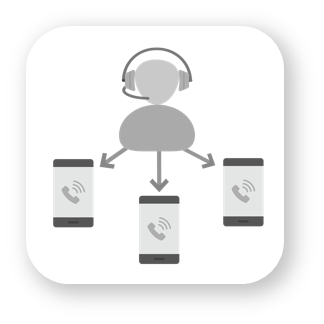





intuitive guided setup for your auto attendant with just a few click. Interactive voice response will send callers to an extension number, a group of users, voicemail, play an audio message, or forward the call to another phone number.
Record custom greetings from the OneSuite Business app or upload pre-recorded greetings and menu prompts. This can be done for your main business number or for individual users under your account.
All users under your OneSuite Business account comes with voicemail service. Voicemails can be listened from the OneSuite Business mobile app, or the user can enable the voicemail to email feature, where voicemail can be sent to designated email as an .wav file attachment.
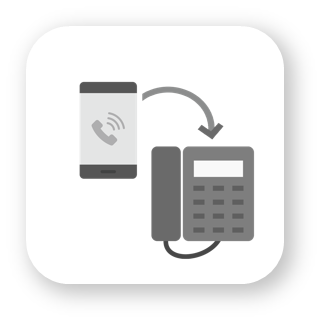
Configure incoming calls to your OneSuite Business number to ring any extension, or forward calls to any mobile or landline phone number, domestic or international.
User can opt-in to list their name and extension number to be found on the auto attendant menu. The internal directory on the app will also make team communication more efficiently.
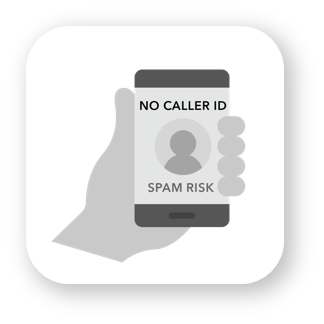
Configure your outbound caller ID so your calls won’t get treated as spam calls.
Always know which phone number your customer is calling you on.
You have the option to enable the SMS feature on your OneSuite Business phone numbers to send and receive unlimited text messages, with a minimal subscription fee.
Use different phone numbers to receive OTP verification codes for different applications or contact groups.
You can add more phone numbers and select your preferred area code. Assign the phone numbers to different businesses or different extension users.
Got existing phone numbers that you’d like to use with OneSuite Business service? Port-in your US or Canada wireless phone numbers or landline numbers is simple and straightforward. Just complete online forms and upload your recent bill, and we’ll take it from there. Port-in fees and monthly fees may apply.
You can dedicate different phone numbers of a number key on your auto attendant menu to ring incoming calls to a single extension or group of extensions (departments). This works in conjunction with auto attendant and custom greetings.
All the call logs are are available in the administrator’s account, separated in the inbound, outbound, and missed calls tabs. Since PAYG is based on your usage, billing is transparent with no hidden fees.
Manage your company’s business calls, voicemail and text messaging on the OneSuite Business App. OneSuite Business works like a second or third line on your mobile device, a virtual phone system that projects a professional impression when customers call you.